For musicians
The sheet music reader that replaces your binder.
Mae Music turns your phone, tablet or laptop into a music stand. It is a PDF sheet music app to import, annotate and perform every score in your repertoire, on Android and in any browser.
- Free to start
- Read, mark up and practise without paying.
- On your device
- Your library lives on your device. The Android app reads it offline.
- Every screen
- Android and any modern browser.
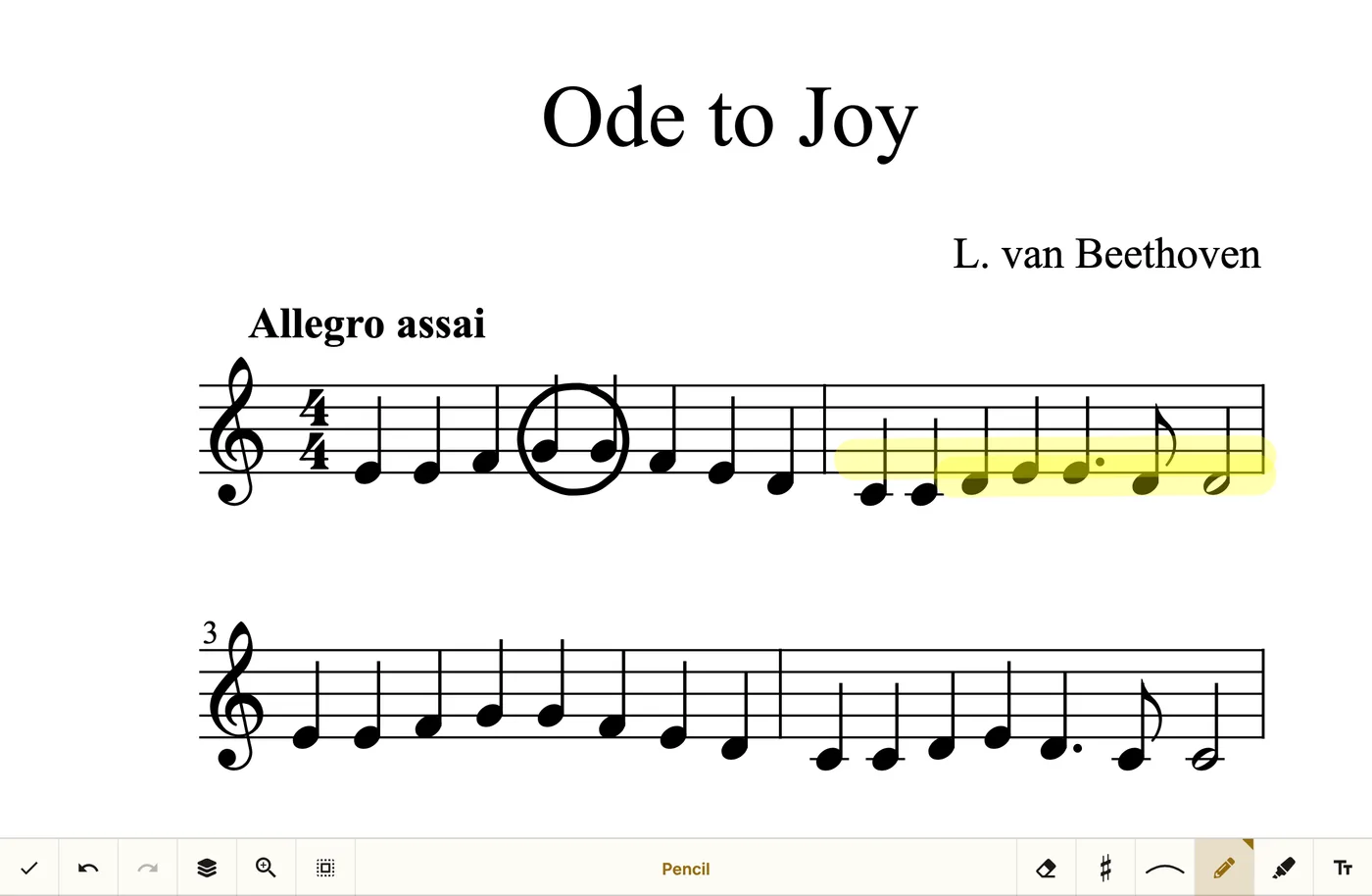
Everything the stand needs, in one window
No second app for the metronome, none for the pedal, no folder of photocopies.
Bring in what you have
PDFs from your files, Google Drive or Dropbox, photos of paper music, or the free public-domain library.
Mark it up like paper
Pencil, highlighter, musical stamps and links between pages — saved with the score, one tap to undo.
Setlists for the gig
Drag songs into a set, reorder it mid-rehearsal and play straight through.
Practice tools on the score
Metronome and piano open over the music. Tuner, recorder and backing tracks come with Pro.
Pages turn without hands
Pair a Bluetooth pedal and turn pages mid-phrase, both hands on your instrument.
Yours, and encrypted
The library is AES-256 encrypted on your device and syncs through your own Dropbox or Google Drive.
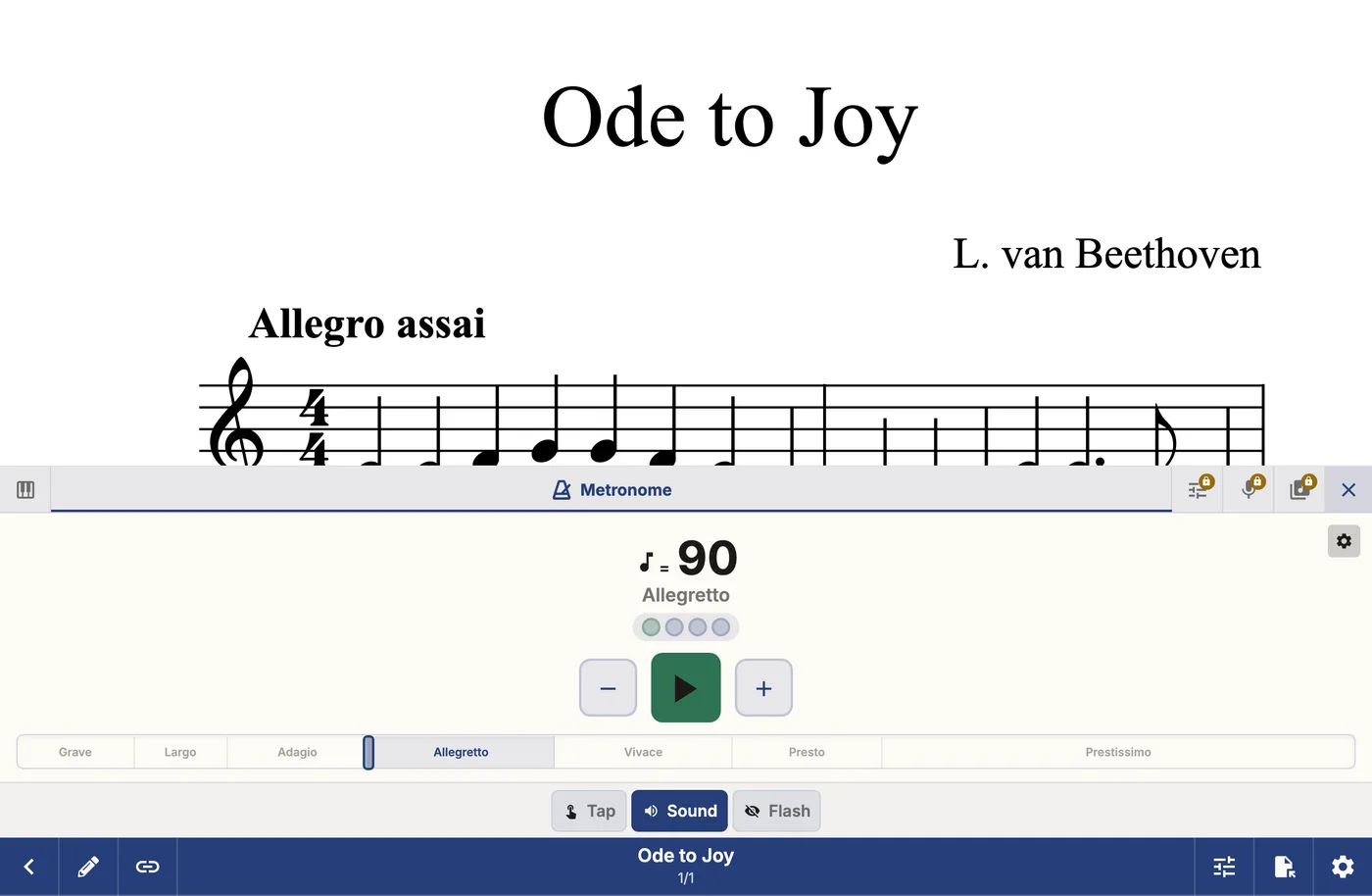
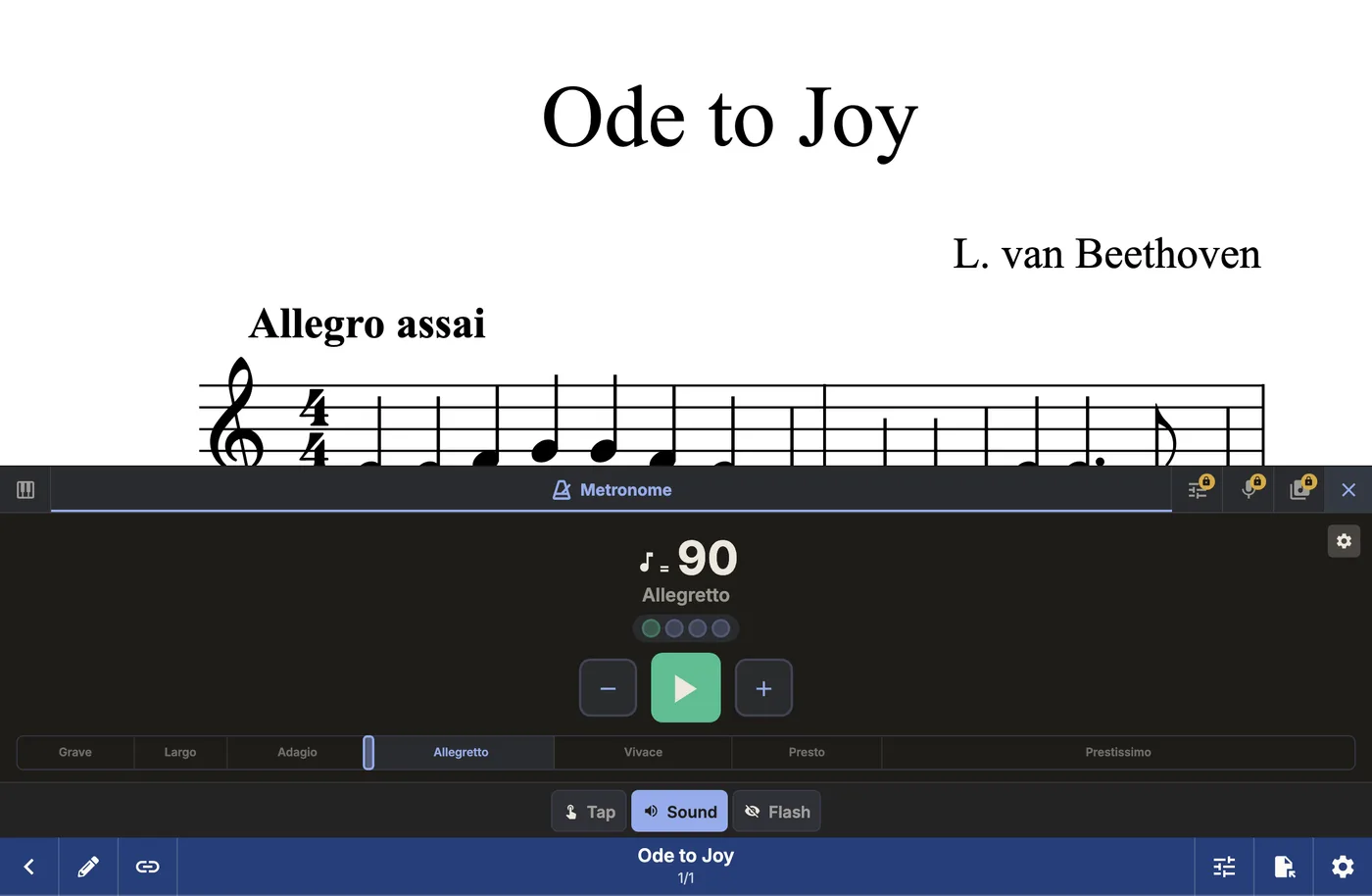
From PDF to the stand in three steps
Add a score
Pick a PDF, a photo, or a file from Drive or Dropbox. Or load the sample score and look around first.
Mark it up
Fingerings, dynamics and cues go on top of the score. The original PDF stays exactly as it was.
Play from it
Open the setlist, turn pages with a tap or a pedal, and keep the metronome one tap away.
Turn a PDF into a score you can hear
Run a PDF through optical music recognition and Mae Music rebuilds it as a digital score — one you can hear, transpose and loop, not just look at.
- Playback that follows articulation and dynamics, not flat MIDI
- Transpose to any key and read it back at once
- Loop a hard passage from A to B until it sits under your fingers
- Export MusicXML and MIDI for your notation software
Made for how you play
The same app, set up for four kinds of musician.
Bands and ensembles
One repertoire, the same setlist on every stand, and no more photocopies.
Teachers and students
A collection per student or lesson, markings on the score and a metronome built in.
Worship teams and choirs
Build a service order in minutes and turn pages from the stand with a pedal.
Solo practice
Your whole library in your pocket, with playback and looping to learn faster.
One library, on every screen
Read and mark up on whichever device is in front of you. Scores, setlists and markings follow you through encrypted Dropbox or Google Drive sync.
- Phone
- Android app
- Tablet
- Android app
- Desktop
- In your browser
- Web
- Nothing to install
Free to start. Pro when you need more.
Reading, marking up and practising are free. Pro lifts the library limit and adds the tuner, recorder and backing tracks — a one-time purchase, not a subscription. Sign in to try Pro free first, no card needed. Ensembles and partners can unlock it free with a code.
Common questions
Try it with a score you already own.
Open the library in your browser, import a PDF and see how it reads on your own screen. No sign-up needed to look around.
Stay in the loop
The odd email with new features, tips and stories about digital sheet music. No spam.
We only use your email for the newsletter. Unsubscribe anytime.